Imagine opening one desktop app that lets you do precise photo retouching, create scalable vector graphics, and design multi-page layouts — all without paying anything for the main tools. That’s exactly what Affinity by Canva has offered since its relaunch in late October 2025. As of January 11, 2026, the app has already seen strong early adoption, with reports of over a million sign-ups in the first few days after launch.
This isn’t promotional writing. As an independent tech reviewer, I’ve used the current version on both Windows and macOS to test real projects. Below is a straightforward assessment of what it delivers, where it falls short, and whether it makes sense for your workflow.
What Affinity by Canva Actually Is
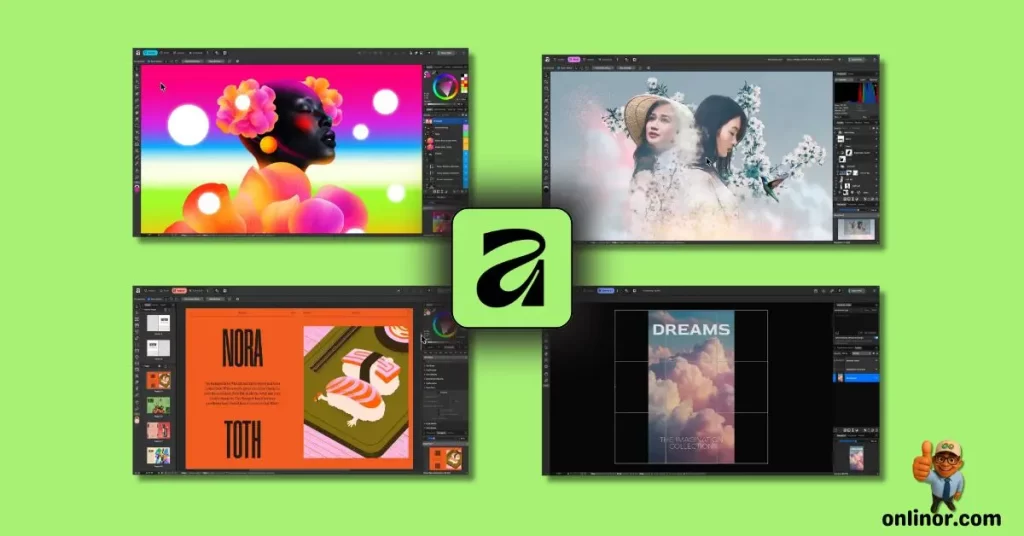
The app brings together the former separate programs — Affinity Photo, Designer, and Publisher — into a single application. You switch between three main “studios”: Pixel for photo editing, Vector for graphics and illustration, and Layout for page-based documents. A fourth Canva AI Studio is available only with a paid Canva plan.
It runs natively on macOS and Windows, uses GPU acceleration for smooth performance (even with very large files), and supports a universal file format. It opens older Affinity V1 and V2 files, though the reverse isn’t possible. Export options include PSD, AI, PDF (with IDML support), SVG, and more, which helps when working with mixed-tool teams.
There are no watermarks, ads, or locked core features. You need a free Canva account to download and activate it. The unified iPad version is still planned for later in 2026.
Here’s a look at the workspace in use:
Core Capabilities: What You Get for Free
The free core tools stay faithful to Affinity’s long-standing focus on precision and speed.
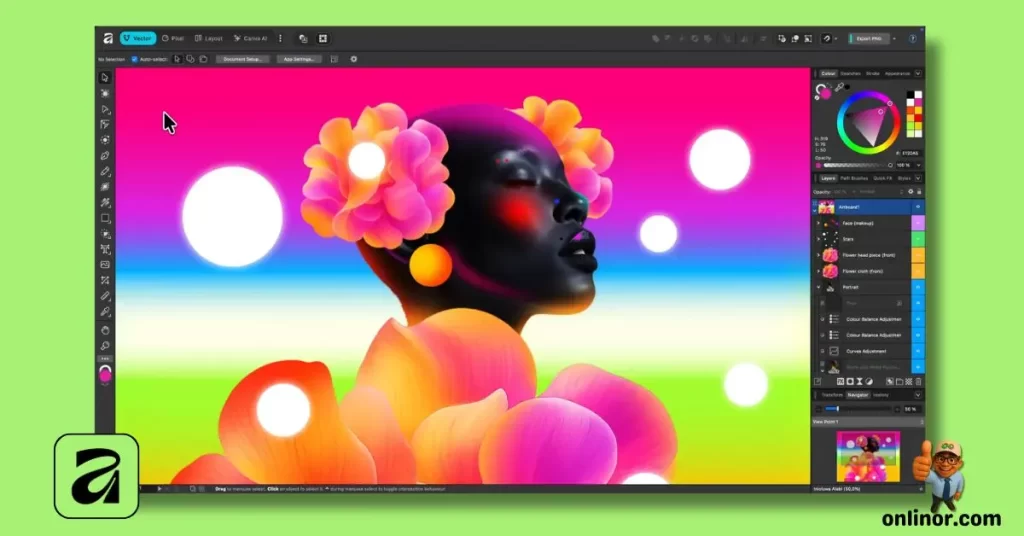
- Photo Editing (Pixel Studio) — Non-destructive RAW development, frequency separation for skin retouching, live filters, smart selections, batch processing, and macros.
- Vector Design (Vector Studio) — Advanced Pen tool, shape builder, mesh gradients, image tracing (raster to vector), and precise snapping/grids.
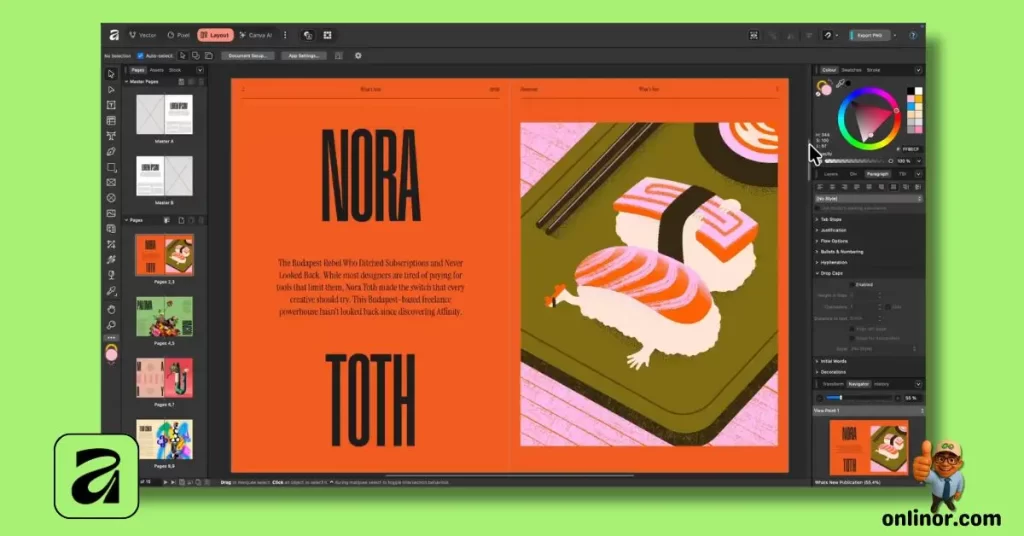
- Page Layout (Layout Studio) — Master pages, auto-flow text, data merge from spreadsheets, professional typography, and print-ready exports (bleed, CMYK, PDF/X).
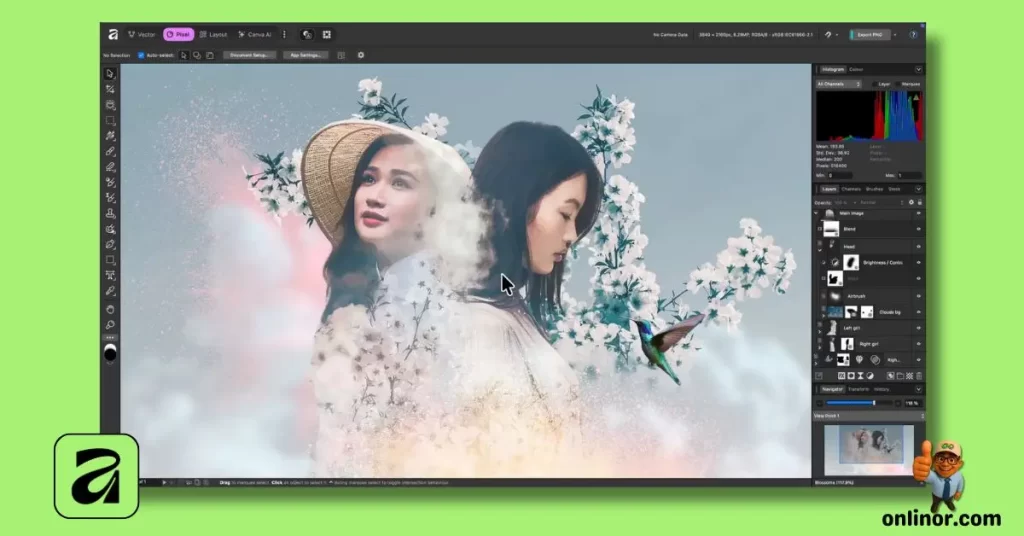
A major practical improvement is the ability to mix panels from different studios and save custom workspaces. You can create setups tailored to specific tasks and even share them with others.
Performance remains strong on mid-range hardware, and the interface is clean and keyboard-efficient.
Another view of a customized setup:
The Canva Connection & AI Access
You can export files directly to Canva for team reviews, template application, or quick adaptations to social media formats — useful if your team already works in Canva.
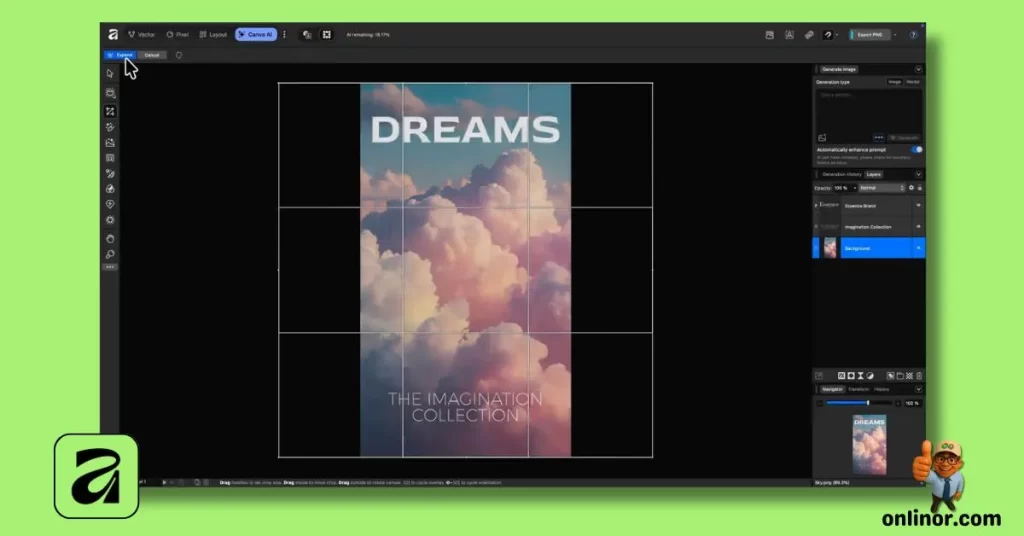
AI features (like Generative Fill, Expand, background removal, and image/vector generation) require a Canva Premium subscription (around $120/year). Without Premium, the AI studio is simply unavailable; all other tools function fully.
This approach funds ongoing development while keeping the free core tools unrestricted. Canva emphasizes that your local files aren’t used for AI training unless you choose to upload them.
Neutral Comparison: Affinity vs Adobe (Early 2026 View)
Here’s a clear side-by-side based on actual usage:
| Category | Affinity by Canva (Free Core Tools) | Adobe Creative Cloud (Subscription) | Winner for Most Users? |
|---|---|---|---|
| Cost | $0 for full core tools | $60+/month for full suite | Affinity |
| Unified App | Yes – one app for all functions | Separate apps (Photoshop, Illustrator, etc.) | Affinity |
| Performance | Fast, lightweight on average hardware | Very capable but more resource-heavy | Affinity |
| AI Features | Gated behind Canva Premium (~$120/year) | Included (with usage limits) | Adobe |
| Plugin Ecosystem | Very limited | Extremely extensive | Adobe |
| File Compatibility | Good import/export, occasional edge cases | Industry standard | Adobe |
| Best For | Freelancers, small teams avoiding subscriptions | Large teams, specialized niches, heavy plugins | Depends on needs |
The free core tools handle 80–90% of typical professional work very well. Adobe leads in depth for specialized tasks and team collaboration.
Who Should Consider It – And Realistic Limitations
- Freelancers and small studios benefit most from powerful tools with no ongoing fees for the basics.
- Teams using Canva already get smoother transitions between pro and collaborative work.
- Photographers and illustrators who prioritize offline precision find it very capable.
Key limitations:
- Future development is now tied to Canva’s direction.
- AI remains paywalled.
- Third-party extensions and some advanced features lag behind Adobe.
- It’s still relatively early in the unified version’s lifecycle.
Wrapping Up: The Bottom Line in Early 2026
Affinity by Canva provides a genuinely strong, professional design environment with its free core tools — something still rare in 2026. The unification makes daily work more efficient, performance is excellent, and the lack of payments for essential features is a genuine advantage.
The Canva integration, particularly for AI, does add a layer of ecosystem choice. If your work is mostly offline and focused on traditional craft, it’s a compelling option. If you rely heavily on Adobe’s ecosystem or unrestricted generative tools, a full switch may not be practical.
Download it, test it with your own files over a few days, and see how it fits. In an era of rising software costs, having capable free core tools like this is worth serious consideration.
And yes — the core professional tools really are free forever.
If you enjoyed this deep dive into Affinity by Canva and want more honest reviews, practical guides, and up-to-date insights on design tools, software, and creative workflows, head over to onlinor.com — we’re constantly adding fresh content tailored for designers, freelancers, and tech enthusiasts worldwide.
For even more tips, quick tutorials, and behind-the-scenes discussions, don’t forget to check out our YouTube channel. Subscribe for regular videos on tools like this, workflow hacks, and the latest in creative tech — it’s a great way to stay ahead.
Thanks for reading — see you on the site or on YouTube!