What Is Digital Productivity?
A Simple and Practical Guide for Beginners in the Digital Age
We live in a world where almost everything is digital. From studying and working to managing money and creating content, technology is part of our daily life. Yet, many people feel busy all the time without making real progress.
This is where digital productivity becomes important.
Digital productivity is not just about working smart—it’s about boosting your success, achieving more, and enjoying stress-free work using simple digital tools.
What Does Digital Productivity Actually Mean?
Digital productivity means using technology to improve how you work, not complicate it.
In simple terms:
Digital productivity is the ability to manage tasks, time, and information efficiently using digital tools.
It applies to:
- Students attending online classes
- Office employees using computers daily
- Freelancers handling multiple clients
- Content creators managing ideas, files, and deadlines
- Anyone using a smartphone or laptop regularly
You don’t need to be a tech expert. You only need the right habits.
Why Digital Productivity Is So Important Today
Technology was created to save time, but without proper usage, it often does the opposite.
Common problems people face:
- Too many apps but no clear system
- Files saved everywhere
- Constant notifications breaking focus
- Forgetting important tasks
Digital productivity helps you:
- Stay organized
- Focus on what truly matters
- Reduce stress and confusion
- Improve work quality
- Save valuable time every day
In the modern world, knowing how to use digital tools properly is just as important as knowing how to use them at all.
Digital Productivity vs Being “Busy”
Many people confuse productivity with busyness.
Being busy means:
- Jumping between tasks
- Responding to notifications all day
- Working long hours without clear results
Being digitally productive means:
- Planning tasks clearly
- Using tools that support focus
- Finishing important work first
- Keeping digital life organized
A productive person may work fewer hours but achieve better results.
Common Digital Tools That Improve Productivity
You don’t need expensive software. Even simple tools can make a big difference if used correctly.
1️⃣ Task Management Tools
These tools help you plan and track what needs to be done.
They are useful for:
- Daily to-do lists
- Work deadlines
- Long-term goals
Instead of keeping tasks in your head, you store them digitally.
2️⃣ Cloud Storage
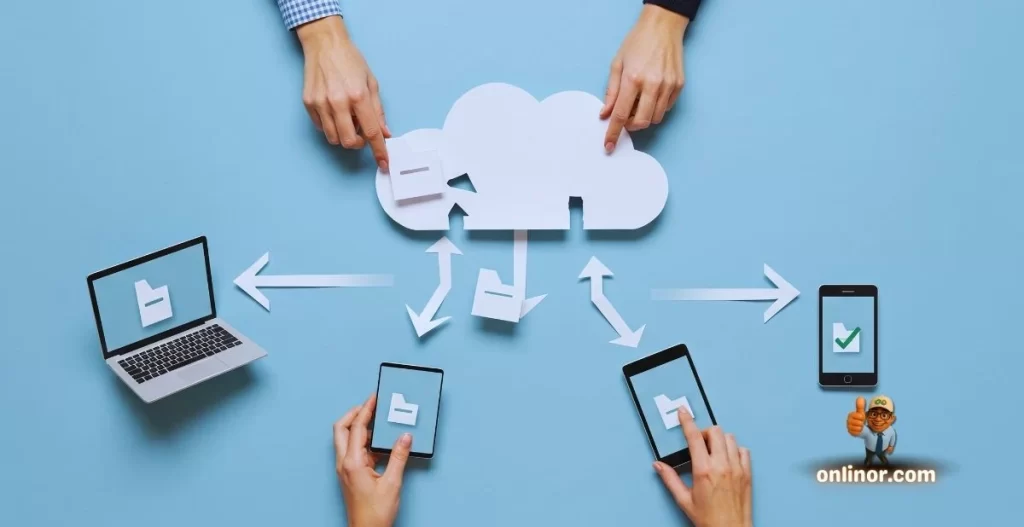
Cloud storage allows you to save files online and access them from anywhere.
Benefits include:
- No fear of losing important files
- Easy sharing
- Automatic backup
This alone can save hours every month.
3️⃣ Note-Taking Apps
Digital notes are easier to search, edit, and organize than paper notes.
They are perfect for:
- Study notes
- Meeting summaries
- Creative ideas
You can find any note within seconds.
4️⃣ Time & Focus Tools
These tools help you understand how you spend your time.
They are useful for:
- Improving focus
- Reducing distractions
- Building better work habits
When you know where your time goes, you can control it better.
A Simple Real-Life Example
Imagine two people working on similar tasks.
Person One
- Saves files randomly
- Writes tasks on paper
- Forgets deadlines
- Feels overwhelmed
Person Two
- Uses cloud folders
- Tracks tasks digitally
- Sets reminders
- Works calmly and confidently
Both work hard, but the second person uses digital productivity principles.
The difference is not intelligence—it’s organization.
Mistakes Beginners Often Make
Learning digital productivity also means avoiding common mistakes.
❌ Using Too Many Tools
More tools don’t mean better productivity. One or two well-used tools are enough.
❌ Ignoring File Organization
A messy digital workspace wastes time and creates frustration.
❌ Constant Multitasking
Switching tasks frequently reduces focus and quality.
❌ Not Reviewing Work Regularly
Without review, problems repeat again and again.
Digital productivity is about simplicity, not complexity.
How Beginners Can Start Today
You don’t need a complete system from day one. Start small.
✅ Step 1: Organize Your Digital Space
Clean your desktop, rename files, and create clear folders.
✅ Step 2: Choose One Task Tool
Use it daily instead of switching between multiple apps.
✅ Step 3: Reduce Notifications
Keep only essential alerts.
✅ Step 4: Learn Basic Shortcuts
Small changes save a lot of time over weeks and months.
✅ Step 5: Review Weekly
Spend 10 minutes reviewing tasks and files.
Consistency is more important than perfection.
Digital Productivity Is a Skill You Build Over Time
There is no magic app that makes you productive overnight.
Digital productivity improves with:
- Practice
- Awareness
- Small habit changes
- Continuous learning
Even simple improvements can create big results over time.
Who Can Benefit the Most?
Digital productivity is useful for everyone, but especially:
- Students preparing for future careers
- Remote workers and freelancers
- Creators managing content and schedules
- Small business owners
- Beginners learning digital skills
In a digital-first world, productivity is no longer optional—it’s essential.
Final Thoughts
Digital productivity is not about working harder.
It’s about working smarter with the help of technology.
Mastering digital productivity helps you achieve more, feel confident, and enjoy a smoother, stress-free workflow every day.
This article is the foundation. In upcoming posts, we will explore practical tools, workflows, and habits that make digital productivity easier in real life.
Thank You & Stay Connected 💙
Thank you for taking the time to read this guide.
If you found it helpful, we warmly invite you to explore more practical tech content on Onlinor.
🌐 Visit our website:
https://onlinor.com
📺 Subscribe to our YouTube channel:
Onlinor – where we share easy, practical tech tips, software guides, and digital skills for everyday users.
Stay curious, keep learning, and let technology work for you—not against you.