
Master Beginner Photography & Videography in 2026: The Complete Guide to Stunning Shots & Videos
Hey aspiring creator! If you’re stepping into photography and videography right now in January 2026, you’re in an incredible spot. Mirrorless cameras are more accessible and powerful than ever, hybrid shooting (photos + video) is standard, and free resources deliver pro-level education. Whether you’re coming from smartphone snaps or picking up your first dedicated camera, this guide gives you a solid, up-to-date foundation.
I’ve spent years testing entry-level gear, following trends, and helping beginners avoid pitfalls. We’ll cover the essentials with clear explanations, balanced pros/cons, practical tips, free learning gems, and — most importantly — warnings about scams that still target newcomers. Let’s make your first steps exciting and safe.
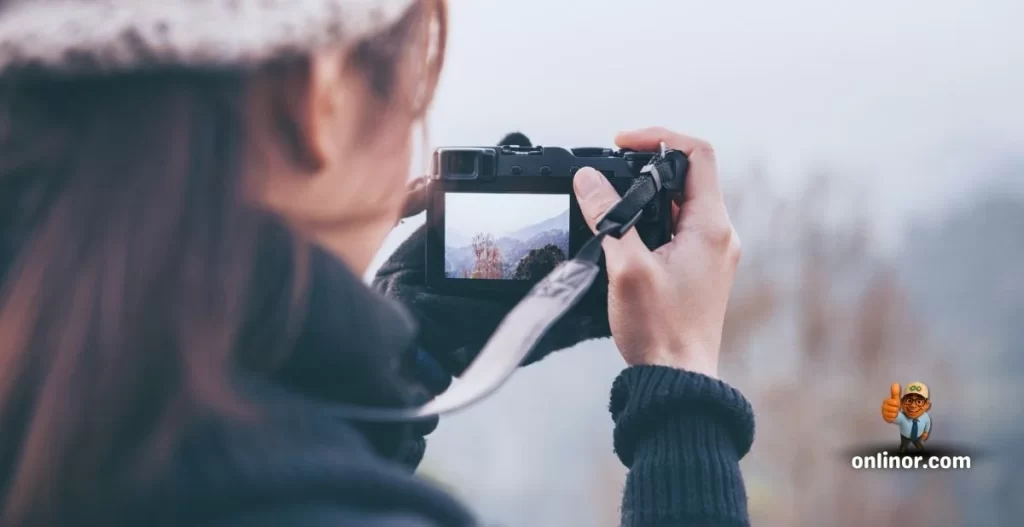
Why 2026 Is Perfect for Starting Photography + Videography
Photography sharpens your sense of light, composition, and timing — skills that last forever. Videography brings in movement, sound, and storytelling. The huge win? Most beginner cameras in 2026 are true hybrids, handling sharp stills and smooth 4K (or even 6K) video without compromise.
Fresh January 2026 recommendations from top reviews (Tom’s Guide, Digital Camera World, PCMag):
- Canon EOS R100 — The ultimate budget all-rounder: easy guided menus, great 24MP stills, solid 4K basics — perfect if you’re starting cheap and want to learn fast.
- Fujifilm X-M5 — Videography standout with cinematic colors, 6K open-gate recording, filmmaker tools like good audio inputs — ideal for content creators.
- Canon EOS R50 or R10 — Step-up options with advanced autofocus, flip screens, and versatility for both photos and clips.
Even high-end smartphones work well, but dedicated cameras give unmatched control.
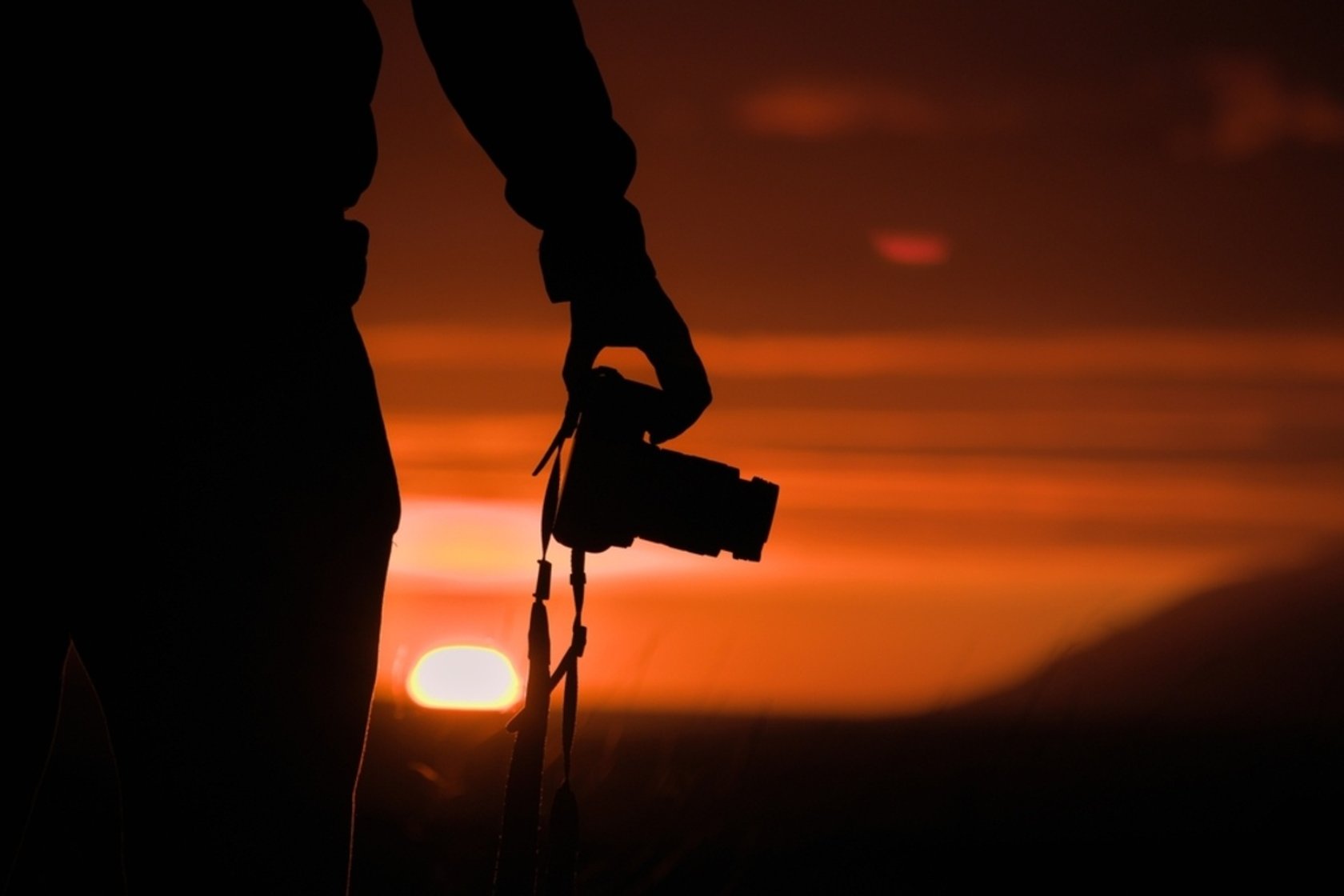
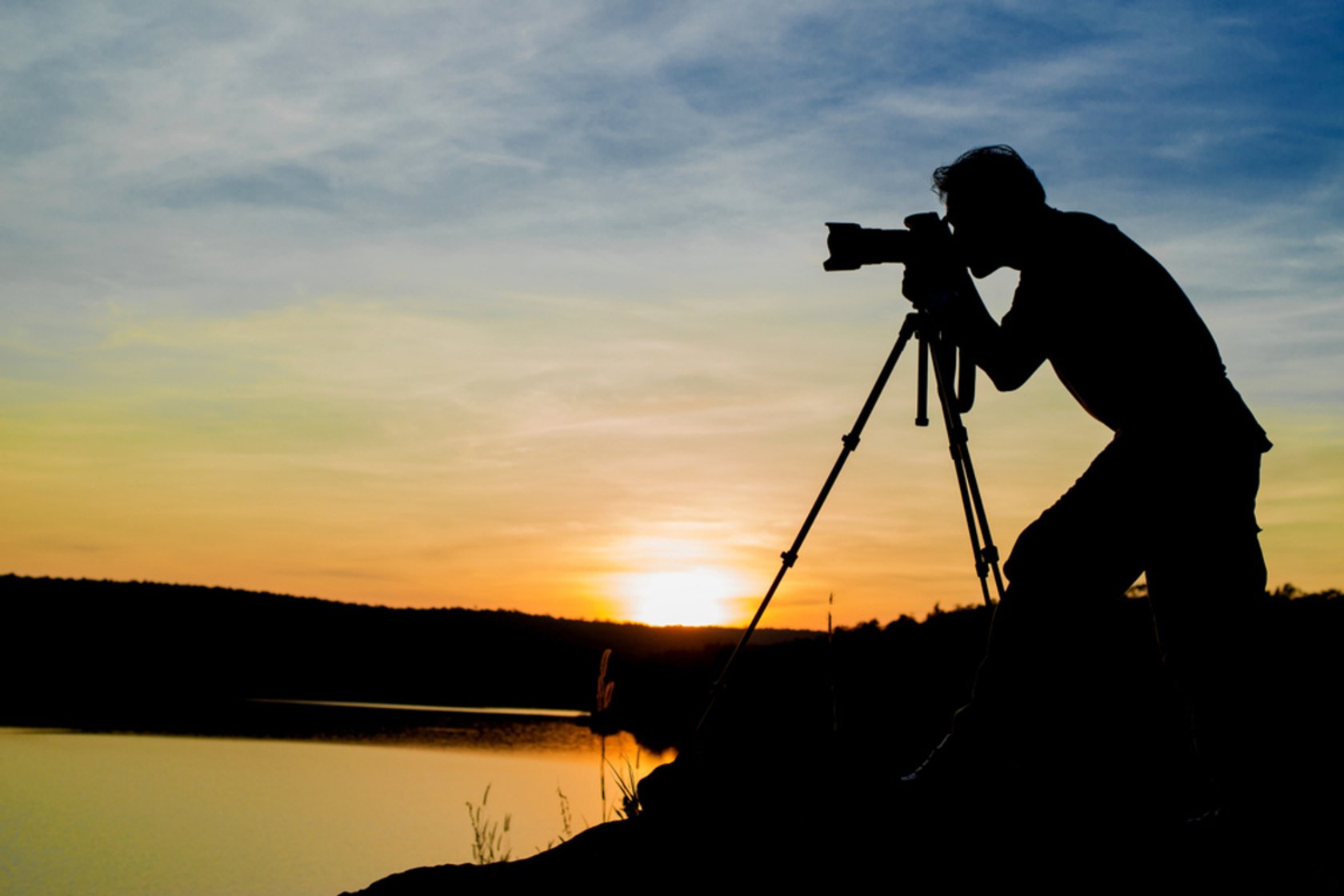
Here are inspiring golden-hour beginner shots — see how warm natural light creates magic:
Positive side: Practicing both formats on one scene speeds learning — you see how settings affect blur in photos vs. motion in video. Downside: It can overwhelm at first. Tip: Spend your first 4–6 weeks mostly on still photography, then add video.
The Exposure Triangle: The Foundation Every Beginner Needs
This is the heart of great images: aperture, shutter speed, and ISO control brightness and creative effects.
- Aperture (f-stop): Low (f/1.8–f/2.8) blurs backgrounds for dreamy portraits; high (f/8–f/16) keeps landscapes sharp.
- Shutter Speed: Fast (1/500s+) freezes action; slow (1/30s or less) creates silky water or light trails.
- ISO: Low (100–400) = clean shots; higher (1600–6400) brightens dim scenes (2026 sensors handle noise much better).
This simple diagram makes it crystal clear:
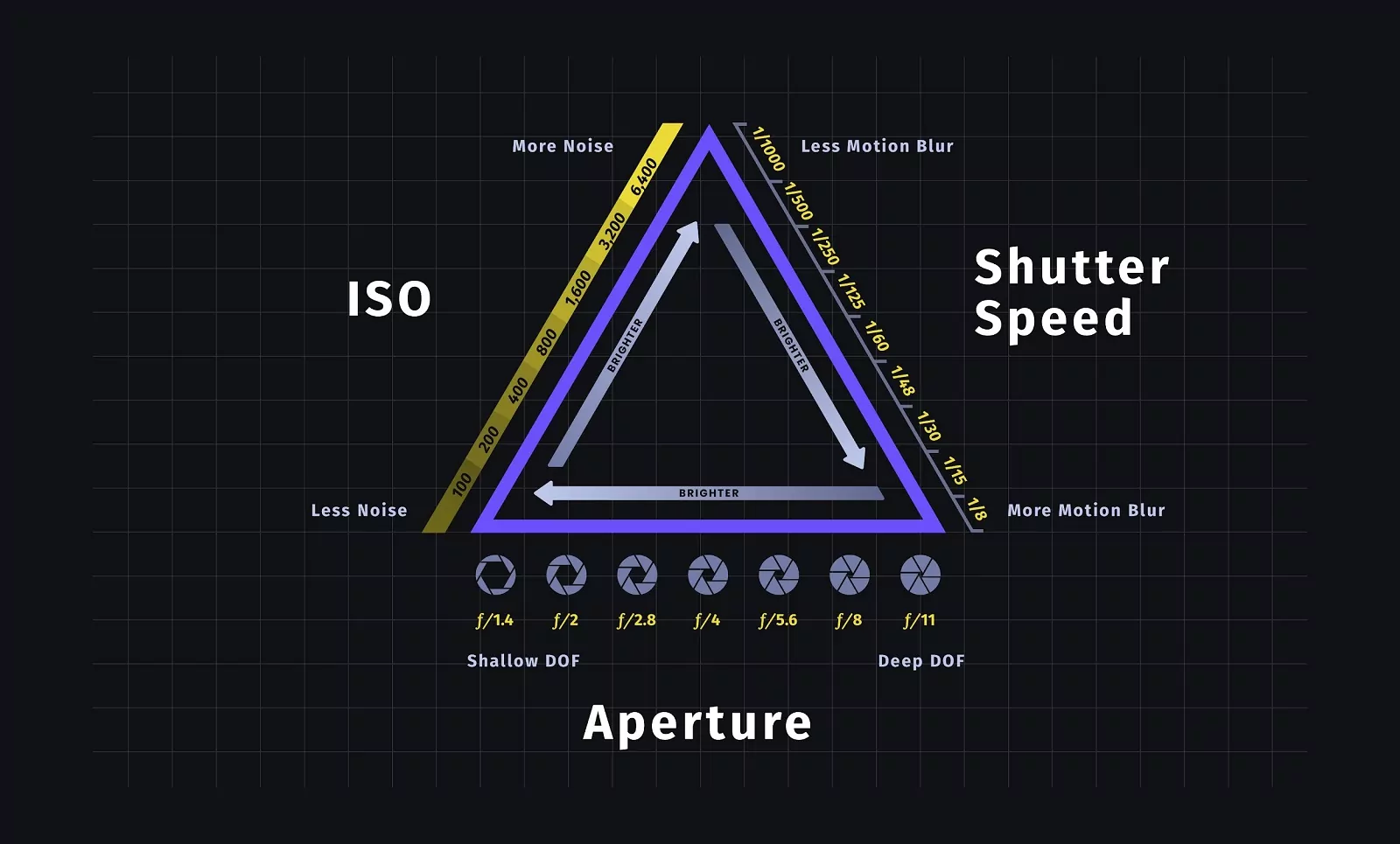
What is the Exposure Triangle? A Beginner’s Guide
Pro tip: Use Aperture Priority (A/Av mode) for photos — set blur, camera sorts exposure. For video, lock shutter at double your frame rate (1/50s for 24fps, 1/100s for 30fps) for natural motion.
Positive: Once you understand this, your shots improve dramatically. Negative: High ISO adds grain in low light — prioritize good lighting or a tripod.
Avoid These Common Beginner Mistakes in 2026
New creators make the same errors — here’s how to skip them:
- Auto mode forever → No creative growth. Fix: Move to Priority modes quickly.
- Centered everything → Dull frames. Fix: Rule of thirds — place subjects on grid intersections.
- Over-editing → Unnatural results. Fix: Subtle tweaks only.
- Shaky handheld video → Jittery clips. Fix: Higher frame rates + stabilization.
- Buying too much gear early → Gear Acquisition Syndrome. Fix: Master one body/lens first.
See how small edits transform a portrait — keep it natural:
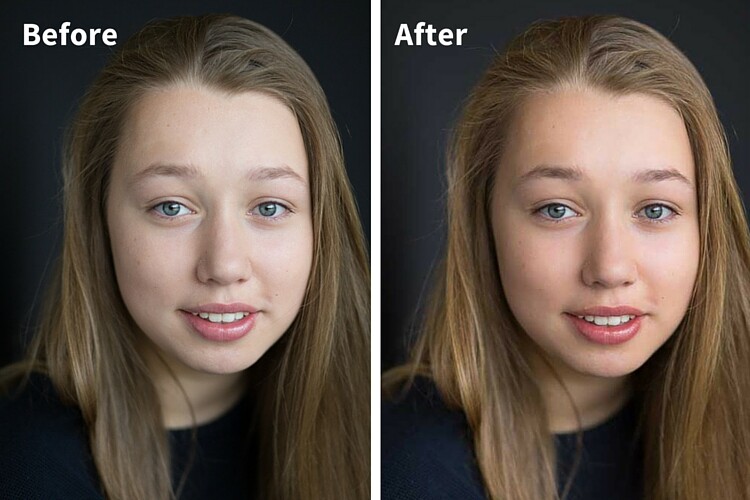
digital-photography-school.com
How to Edit Portraits in Lightroom: The Step-By-Step Guide
Best Free Resources Still Dominating in 2026
No expensive courses needed yet. Top picks:
- YouTube channels: Peter McKinnon (fun, practical), Jessica Kobeissi (creative energy), Mango Street (quick hybrid tips).
- Websites: PetaPixel for fresh news, Expert Photography beginner guides (updated regularly).
Daily habit: Watch 20–30 minutes, then shoot immediately — fastest improvement.
Scam Alert: Protect Yourself as a New Photographer/Videographer
Scams targeting beginners remain active in 2026 — overpayment checks, fake gigs, vanity contests.
Red flags:
- Clients overpay via check/PayPal and ask for refund (payment bounces, you lose money).
- Paid “competitions” or fake certifications for badges/exposure.
- Urgent jobs with no video calls, only email/Gmail.
Stay safe: Demand contracts, use secure payments, verify via call, never refund extras. If too good to be true, it is.
Your Journey Starts Now: Take Action Today
Photography and videography thrive on practice, patience, and play. Head out during golden hour, experiment with the exposure triangle, review your work kindly, and enjoy the process.
You’ve got the roadmap, gear insights, and safeguards. The world is ready for your stories.
Share your first practice shot in the comments — I’d love to see your progress!
Thank You for Reading 💙
Thank you for spending time with Onlinor.
If this guide helped you, explore more practical tech guides on our website.
🌐 Visit: https://onlinor.com
📺 YouTube: Onlinor — real, practical software and digital skills for everyday users.